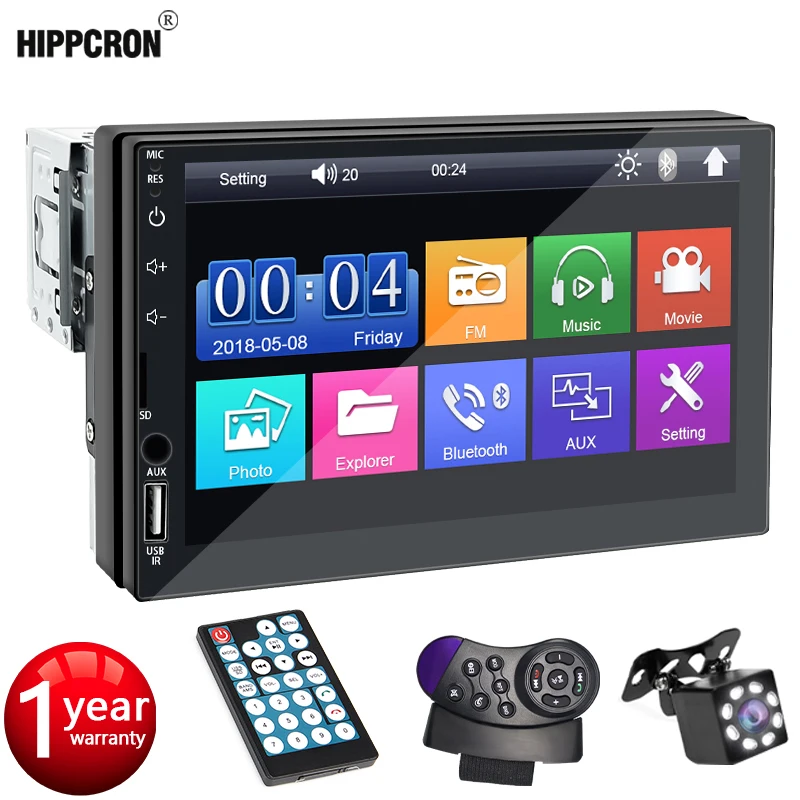
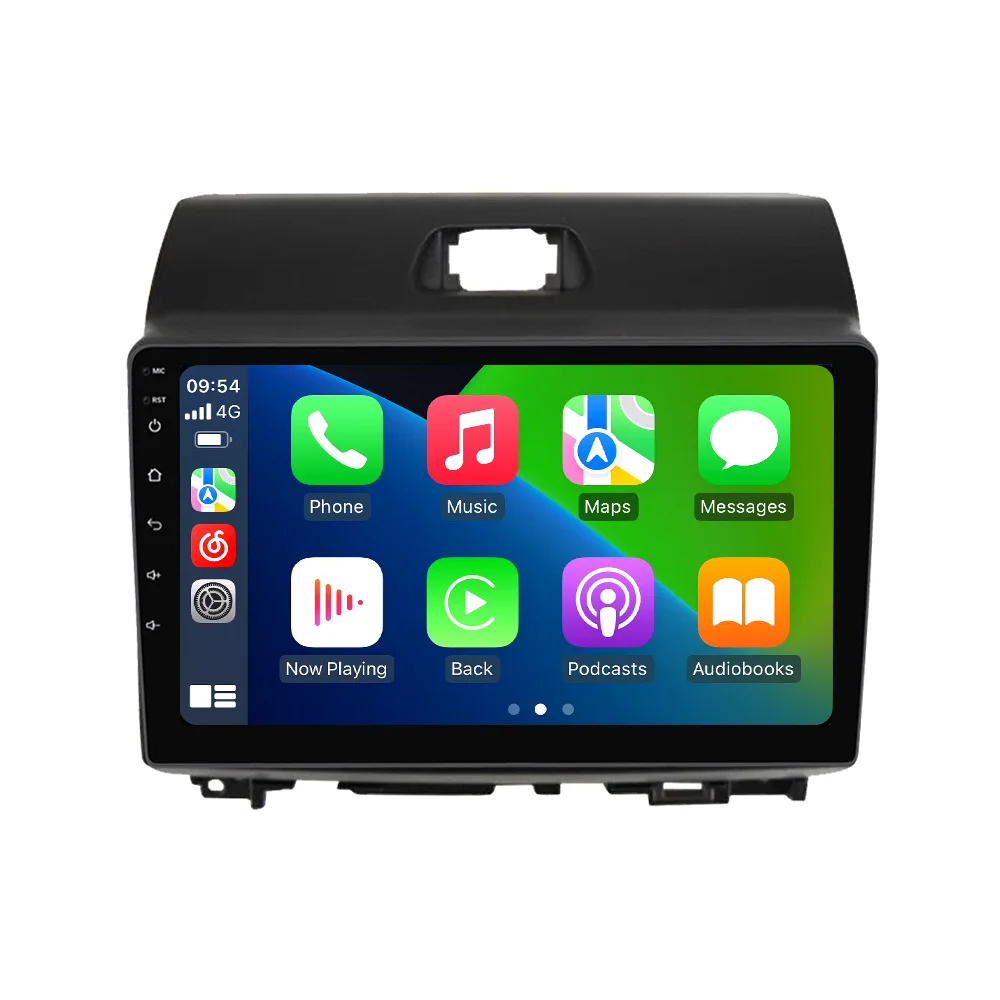
2 Din Android 14 Car Radio For Hyundai i10 2007 -2013 Car Multimedia Player GPS Navigation Wireless Carplay Auto Autioradio
$18.84
$36.36
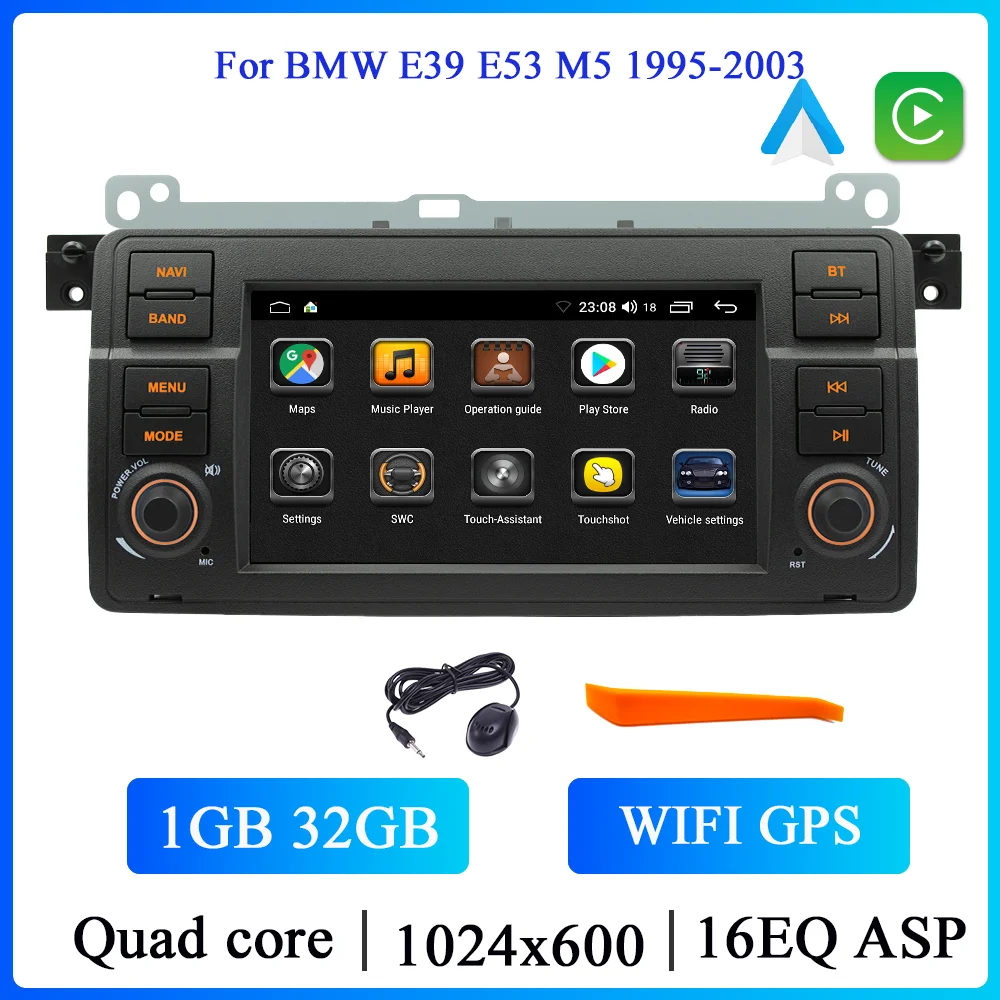
Description Hyundai i10 2007 2008 2009 2010-2013 Support wireless carplay Wireless Android Auto Use your phone in a smarter, safer way while you drive. Get directions, make calls, send and receive messages, and enjoy your favorite music. Siri & Google Assistant can help you do all of these things. All you have to do is ask.Support Steering Wheel Control You can use the vehicle’s steering wheel buttons to answer and end calls, play music, switch modes and much more, so that you can focus on your driving.Screen Resolution 1024*600 the ultra-clear screen dispaly effect is greatly improved,the screen display is more delicate. Support 1080P Video support the perfect APE music 3D acceleration allows fluent playback at any section of your usb quaility video.Support BT Funciton built in smart BT system,can support mobile phone bt pairing,hands-free doaling support steering wheel control listening,accompanying chat to ensure your driving safety.Support FM Radio support outomatic search and manual search,you can drag the icon of target station and replace it into channel list.Support GPS Navigation Built-in global positioning system,omni-directional map display,synchronous display real-time traffic onditions,rapid and accurate positioning.Support Reversing camera (Attention! Rear view camera is optional, please choose the package with camera to buy)Support ADAS DVR (Attention! ADAS DVR is optional, please choose the package with DVR to buy) Support Multiple Langeuages Support Change theme UI FAQ: 1.Please note!If the product contains CANBUS, if the steering wheel control does not work, please check whether the operations in the picture below have been performed. If you encounter any questions, please leave us a message in time.Thank you! If you have problems installing the rearview camera, please check the following picture, if you still can’t solve the problem, please contact us through the message 3. How to connect wireless Carplay and Android Auto? For the first connection, need to turn on the phone’s Bluetooth to peer with the car’s Bluetooth. After the pairing is successful, the car radio will automatically jump to the R link or AutoLink interface At this time, the phone pop up a prompting message “use CarPlay with ZLink or AutoLink “,click confirm it, Then the CarPlay will be connected