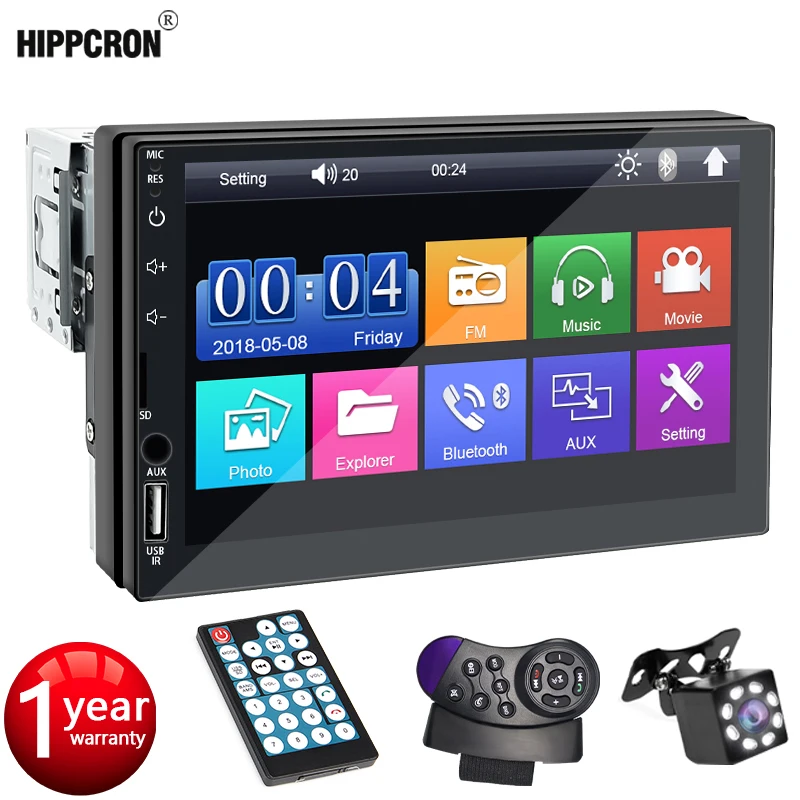
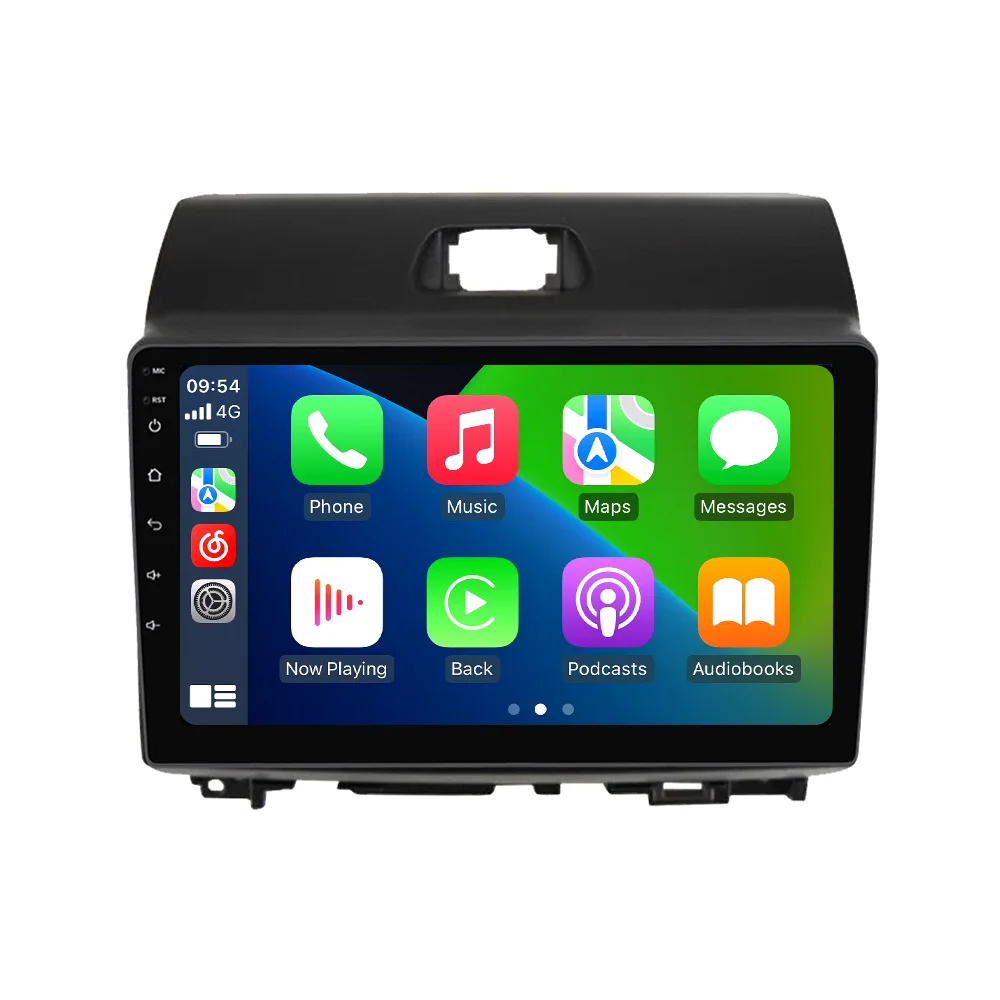
Car Radio Android All in one For KIA Ray 2011 – 2017 Multimedia Player GPS Navigation HD Screen Wireless Carplay Auto WIFI
$19.67
$24.98
Description X1, X2, support wired and wireless CarPlay and Android Auto Use USB cable for wired connection Use mobile phone BT for wireless connectionReversing Video The picture quality of rear-view video is clearer than that ofordinaty camera.(Choose to buy)ADAS DVR Anti-collision warning driving recorderFront vehicle distance prediction, front vehicle anti-collisionwarning and lane departure warning make driving safer.(Choose to buy)Support multiple languages English, German, French, Spanish, Italian, Portuguese, Russian, Dutch, Polish, Japanese, Simplified Chinese, Traditional Chinese, Arabic, Korean, Vietnamese, Thai, Hindi, Brazilian, etc.Support 10 theme interfaces, switch freely. The latest main menu will make driving easier and the car cooler.1. How to connect the rearview camera? 1) Red wire connects backlight “ ” 2) Black cable connects to “GND” 3) Reverse detection cable 4 (brown) connects to the red cable 3 extending from the video output cable, please connect according to the figure below.How to set up the steering wheel control? 1. If you buy a unit with a CanBus box: A. Before starting the installation, please confirm that the CanBus box and the 8-pin serial cable are connected to the multimedia. B. Then please refer to the picture to set up your model.2. If the unit you purchased does not have a CAN Bus box, please refer to the photos to set the steering wheel control.